
Mobile Warehouse Management
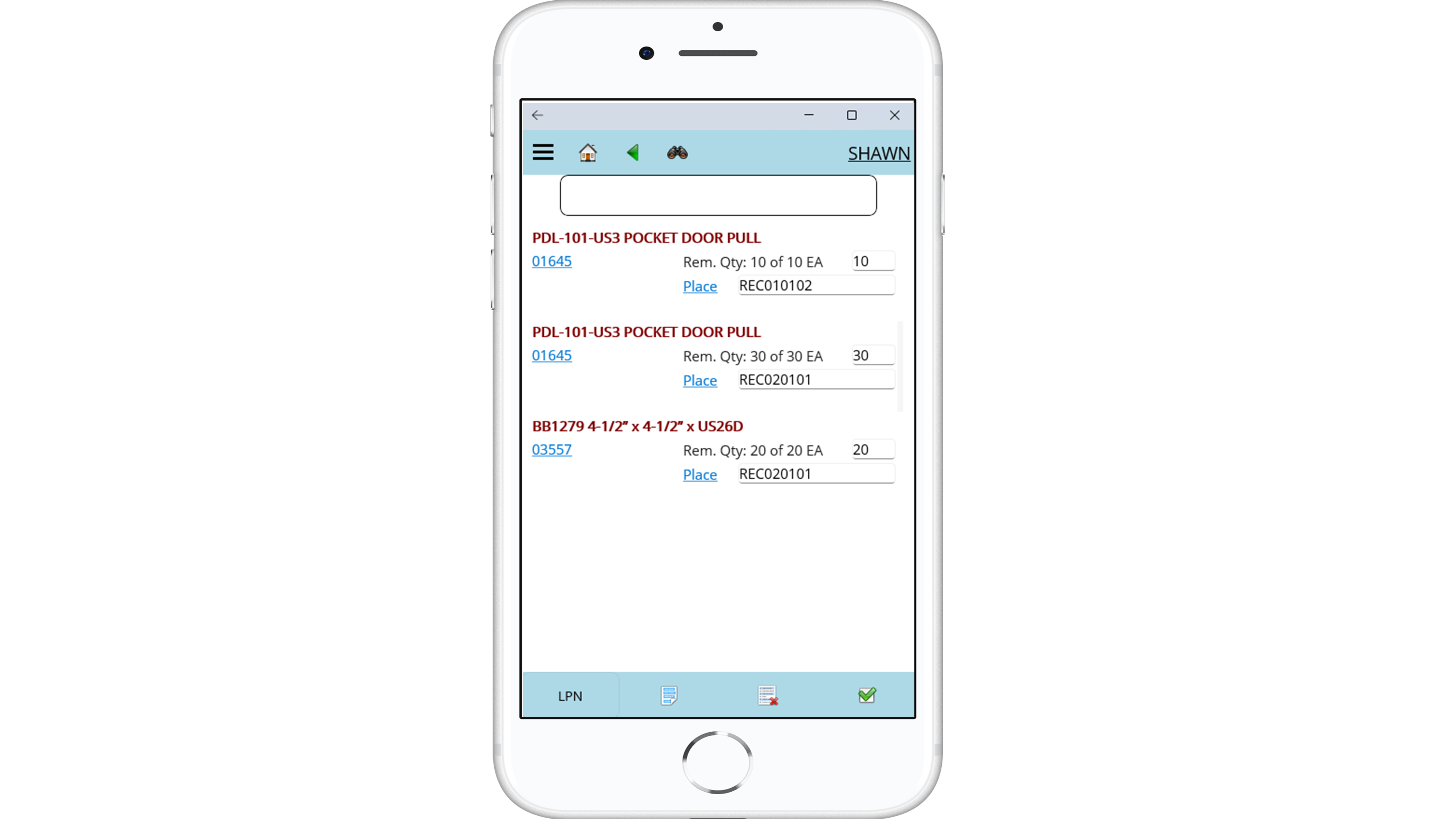
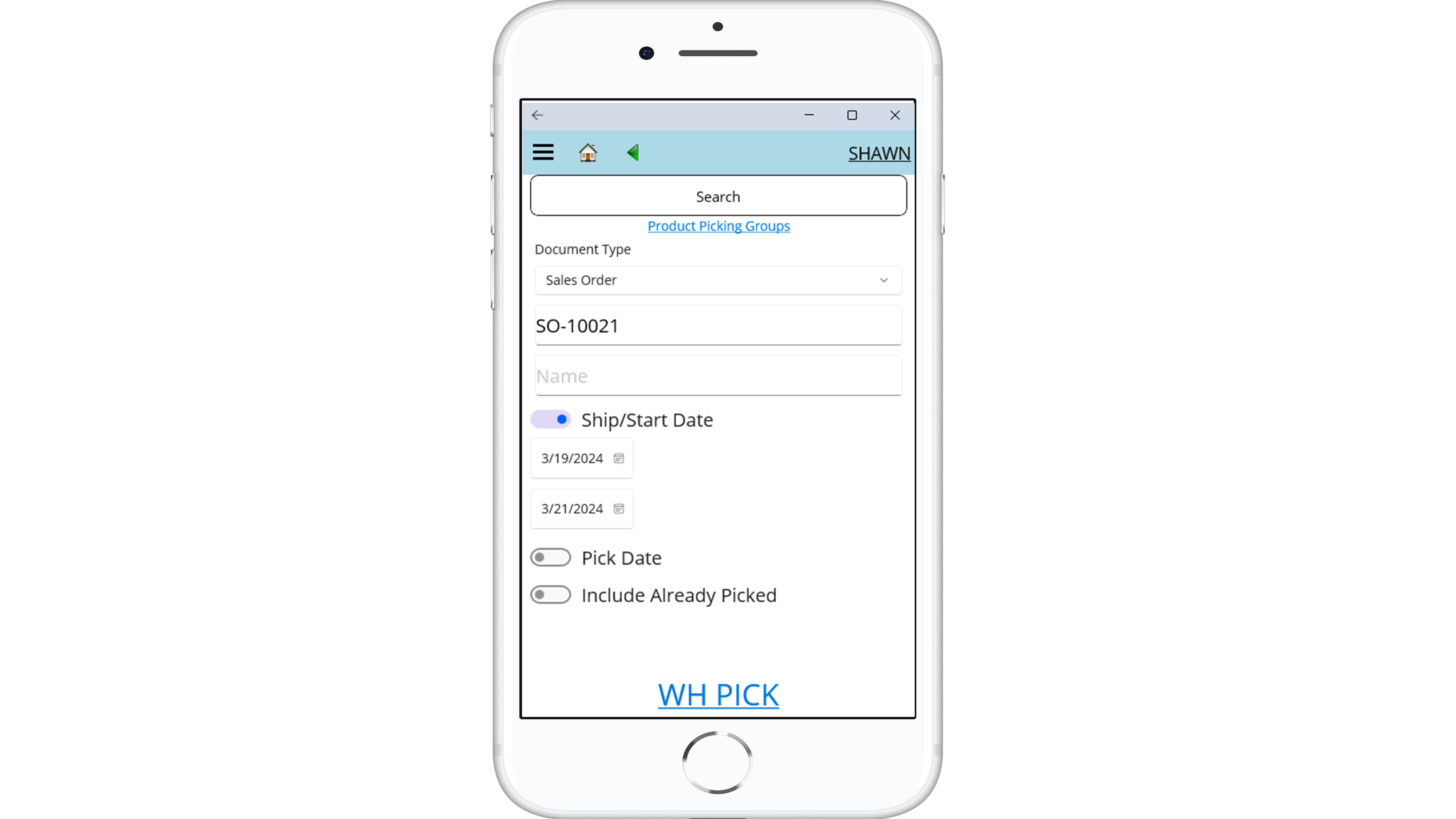
contractERP’s Mobile Warehouse Management module enhances inventory accuracy and efficiency by enabling real-time scanning and tracking across multiple locations.
With automated processes and dynamic attributes, you can streamline inventory management, reduce manual tasks, and ensure precise material handling.
- Real-time inventory control: Scan and track stock, special orders, and custom materials with a handheld device, ensuring up-to-date inventory information across all locations.
- Automated barcoding: Auto-generate barcodes and LPNs for containerization, reducing manual entry and organizing inventory more effectively.
- Dynamic inventory attributes: Assign custom attributes to scanned items, simplifying the picking process and improving overall inventory accuracy.
Pre-Installed Material Services
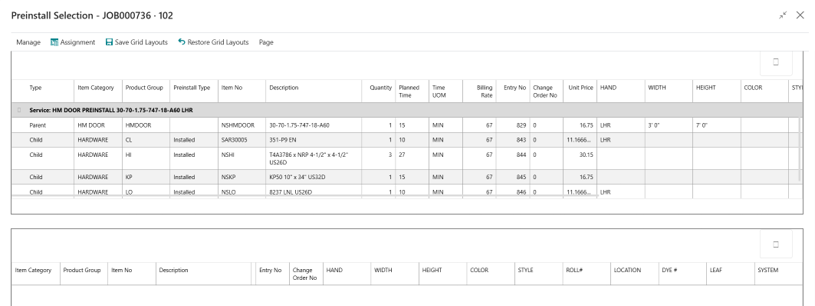
contractERP’s Pre-Installed Material module enhances production efficiency by allowing you to manage value-added services such as: painting, installation of hardware on doors. ensuring that items are prepared and ready for installation or shipment.
- Customizable settings: Set up services and define work by product group, allowing for precise control over how materials are prepared and delivered.
- Flexible material handling: Choose whether materials are shipped as a combined unit, loose with the main unit, or independently ensuring that all components are ready for quick and efficient assembly or installation on-site.
- Optimized setup and cost management: Assign planned installation times and costs by product group, enabling better resource planning and accurate costing for pre-installed materials.
Building Materials
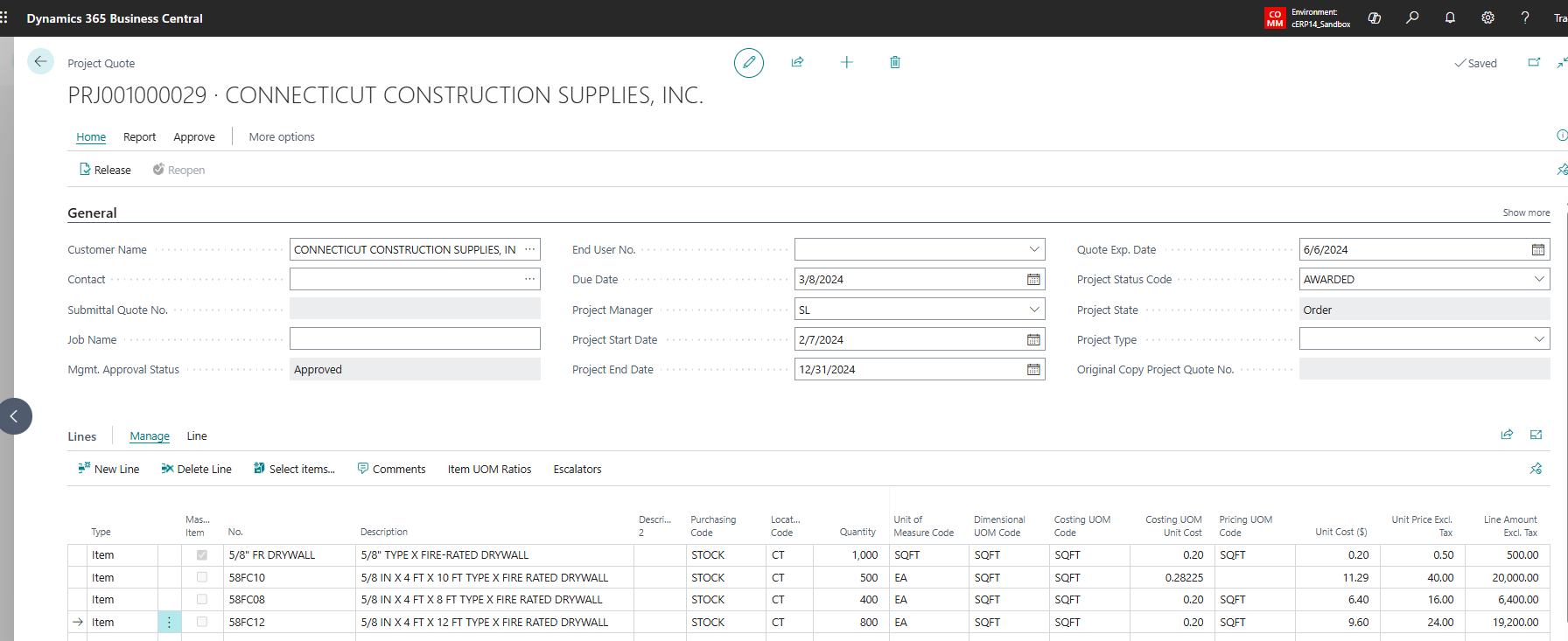
Simplify project-based quoting and fulfillment for building materials with flexible bulk estimates and phased releases. Easily manage both square footage and dimensional materials, tracking consumption against the original quote to stay accurate and on schedule.
- Quote smarter: Accurately estimate total project requirements, including bulk and dimensional materials (square footage, linear footage, board feet, bundles, and more) right from the start.
- Variable material fulfillment: Release materials in quantity and dimension as the customer requests them.
- Track with confidence: Monitor all orders and shipments against the original quote to ensure accurate price breaks and complete fulfillment.
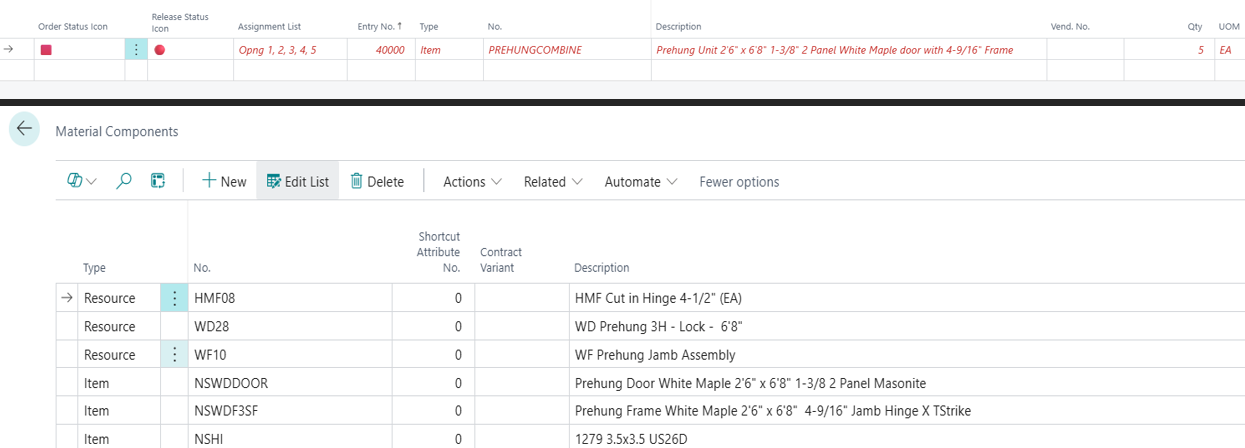
Pre-Hung Door
Designed to address the operational needs of managing the complexities of pre-hung door. This solution allows for combining components into one finished good while maintaining the visibility of tracking of each individual part.
- Make vs buy: Leverage inventory stock levels to determine at the unit or the component level if you will make or buy to create the finished good.
- Data flexibility: Import, absorb and combine into one line item regardless of the detailing integration.
- Reliable cost: Easily calculate and track costs for materials, fabrication, and installation, ensuring your orders are competitive without sacrificing margins.
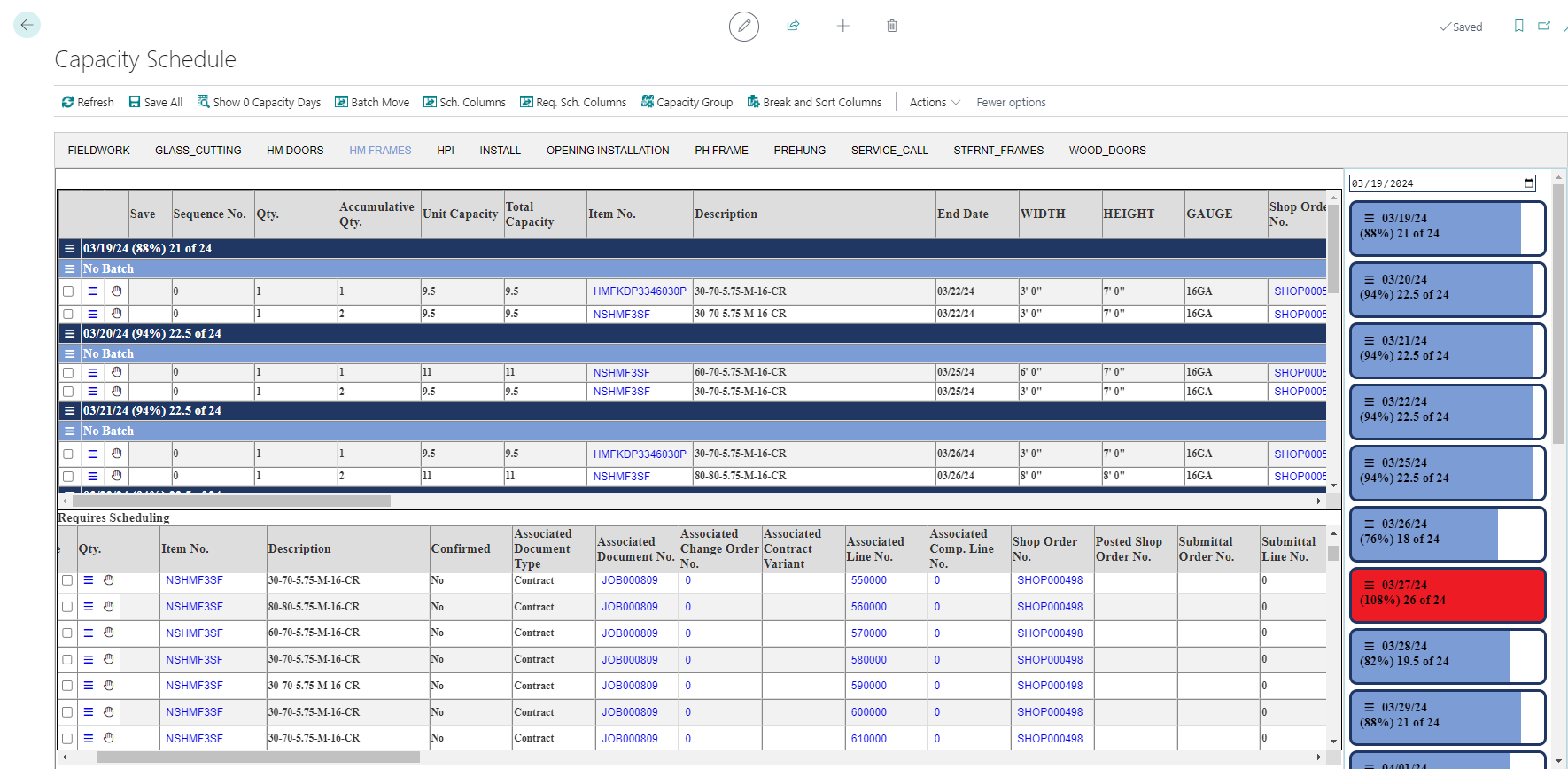
Capacity Group Scheduling
contractERP’s Capacity Group Scheduling module optimizes your production workflow by aligning fabrication schedules with available resources and planned production times.
This means that every project moves smoothly from order to delivery, maximizing efficiency and minimizing delays.
- Dynamic scheduling: Automatically determine the best start dates based on required date for fabrication based on real-time capacity and production requirements.
- Seamless workflow integration: Transition effortlessly from material requisition to fabrication and delivery, ensuring all steps are coordinated and on schedule.
- Optimized resource allocation: Efficiently manage resources by aligning production tasks with available capacity, reducing bottlenecks and improving overall productivity.
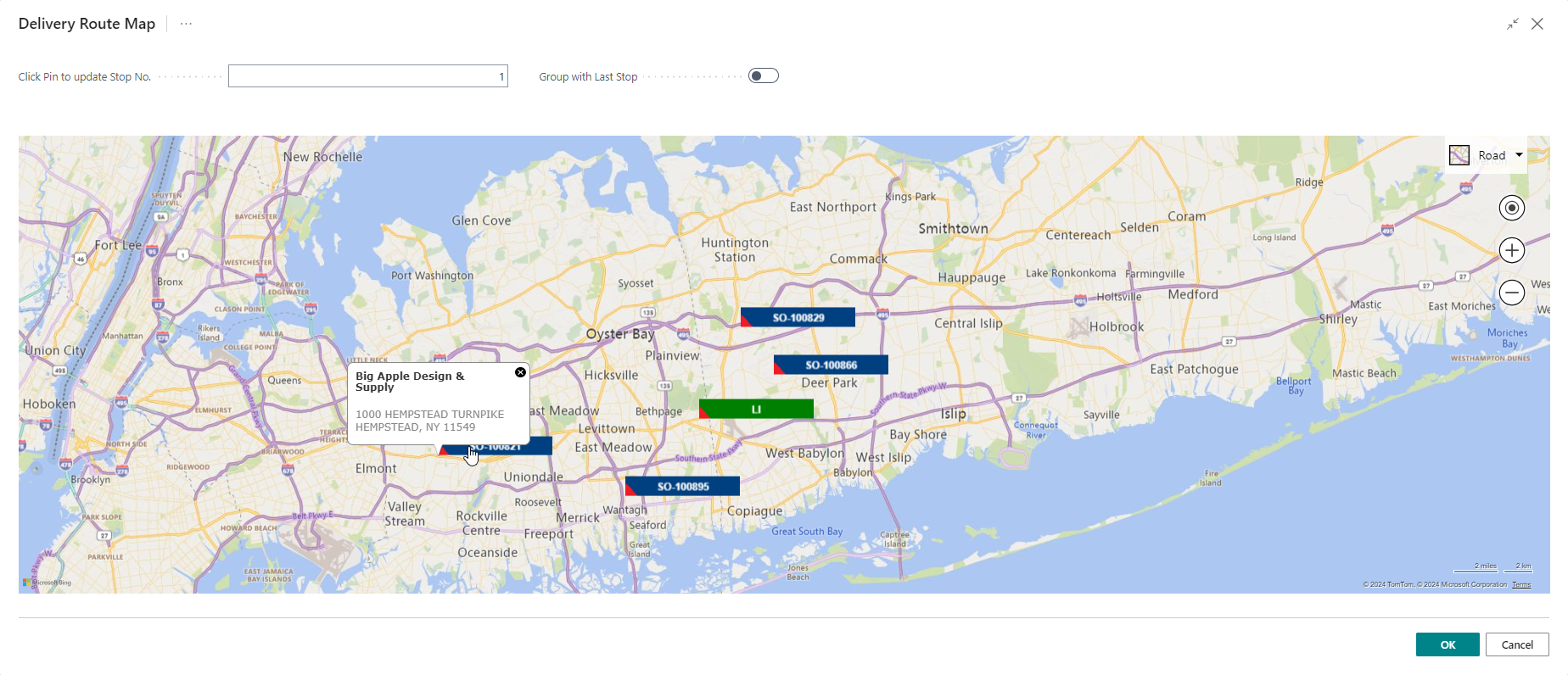
Delivery Scheduling
contractERP’s Delivery Scheduling module ensures timely and accurate deliveries by proactively analyzing your entire product workflow.
With intelligent scheduling and a user-friendly visual board, you can easily adjust and manage delivery routes, truck capacities, and special requirements to meet delivery goals.
- Proactive scheduling: Automatically calculate the earliest possible delivery date by analyzing the entire workflow from order entry to final delivery.
- Visual scheduling board: Easily revise and manage delivery schedules with a powerful, intuitive interface that offers detailed visibility into routes and capacities.
- Comprehensive route management: Optimize truck routes and account for special delivery requirements to ensure on-time delivery and efficient use of resources.
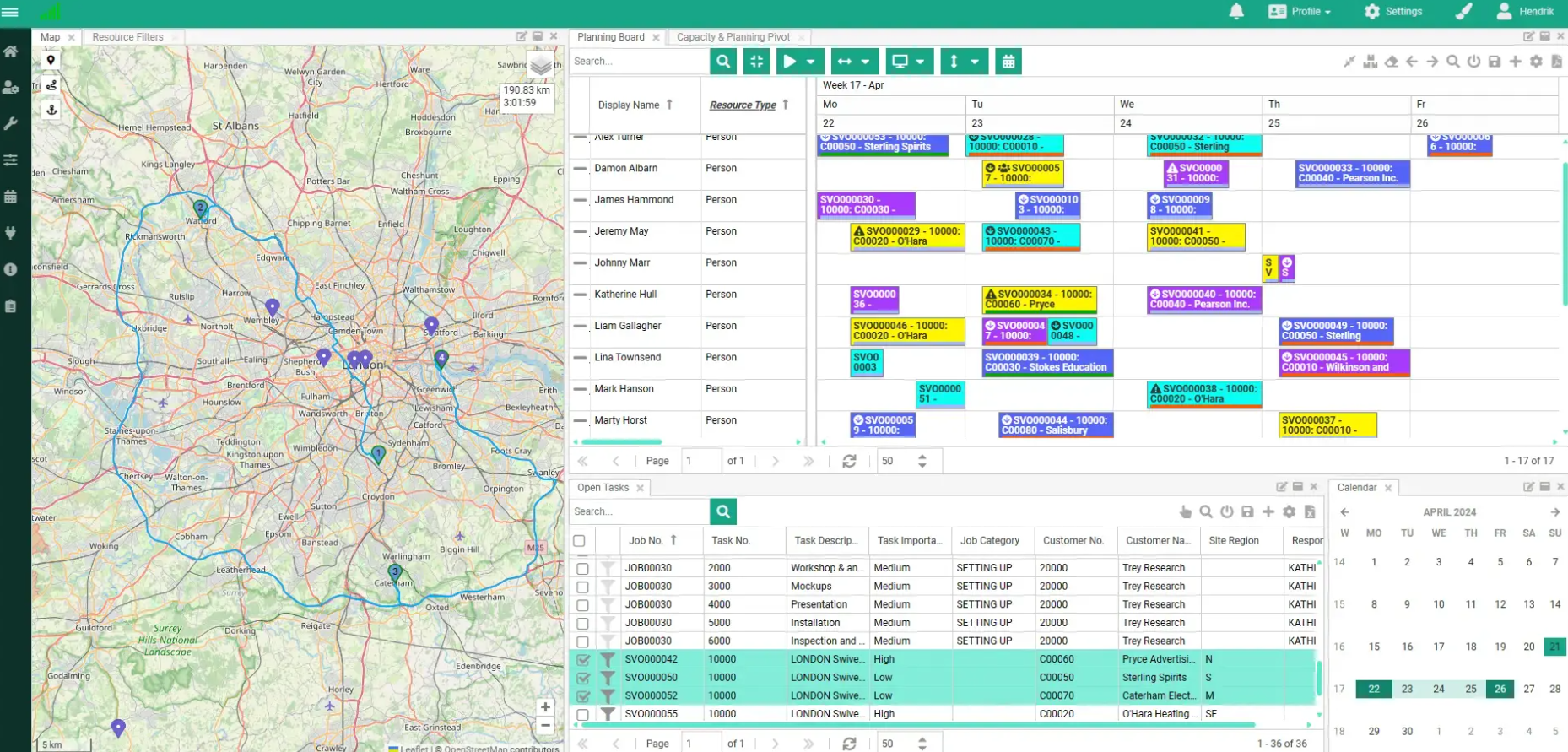
Resource Scheduling Board
contractERP’s Resource Scheduling Board boosts customer satisfaction and labor efficiency by helping you maximize the use of technicians, equipment, or other field resources. Pairs seamlessly with contractERP work orders or Field Service Management module for end-to-end operational control.
- Smart scheduling: Track planned, scheduled, and remaining time to assign techs or equipment with easy drag and drop tools.
- Map-powered efficiency: Visualize routes and assign multiple jobs per tech to reduce travel and maximize productivity.
- Flexible views: Customize your schedule layout to match your workflow and manage resources your way.
Field Service Management
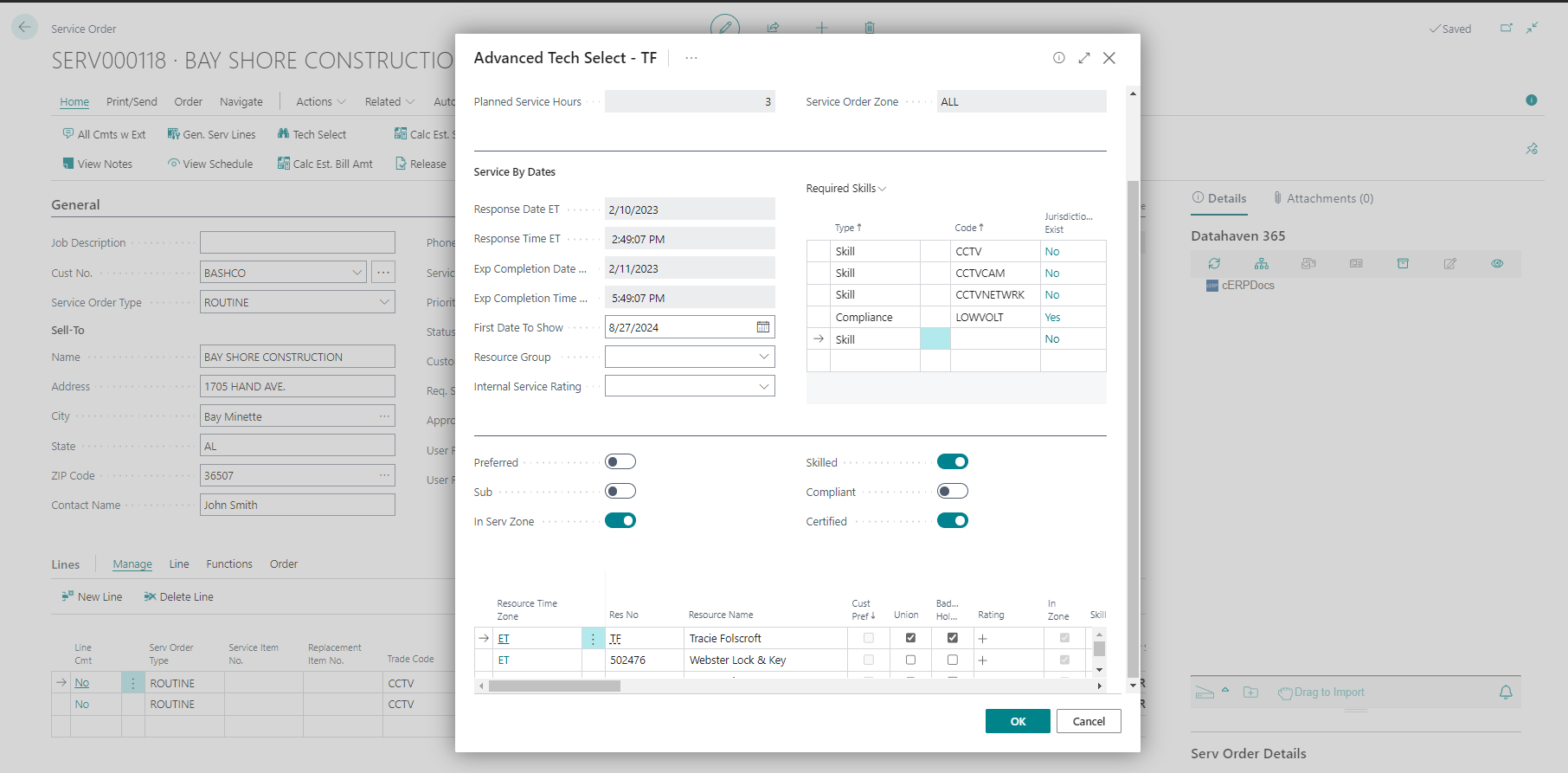
contractERP’s Field Service Management (FSM) module empowers your business to effectively manage all service-related activities with flexibility and precision.
Whether handling internal technicians or subcontractors, contractERP ensures seamless service for both national and local accounts, from preventive maintenance to urgent repairs.
- Versatile service management: Handle scheduled preventive maintenance, break/fix calls, and other service requests with ease, keeping your service operations running smoothly.
- Technician and subcontractor management: Assign internal technicians and subcontractors based on their skills, qualifications, and certifications in order to dispatch the best technician for each job.
- Comprehensive service agreements: Simplify billing and streamline dispatch with flexible Service Price Agreements (SPA) and Service Level Agreements (SLA)’s based on the nature and urgency of the request.